PrestaShop Power BI: when exporting orders is not enough to manage the store.
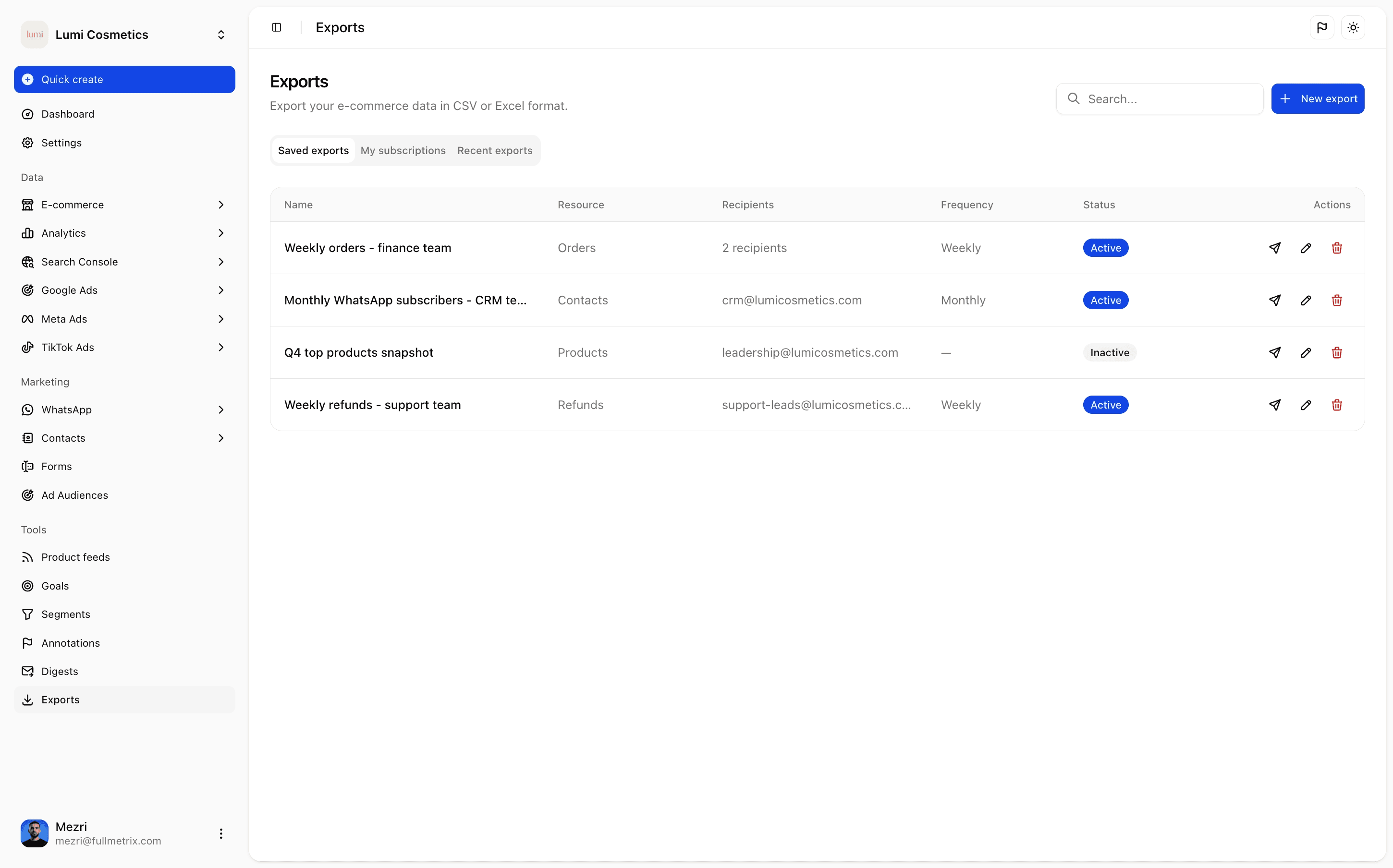
Prepare clean data before sending it to Power BI.
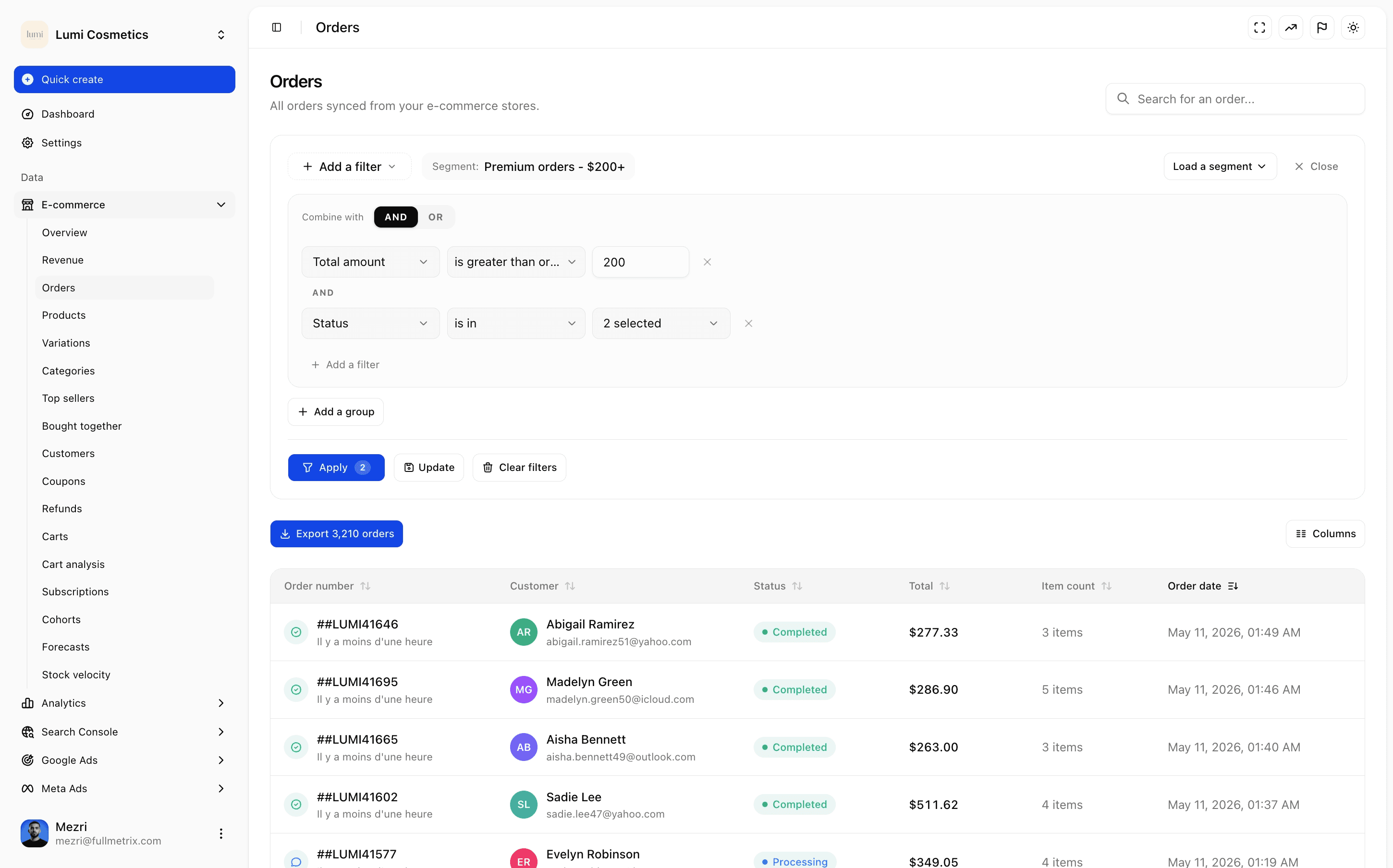
A reliable Power BI dashboard starts with normalized orders, customers, products, refunds and statuses. Fullmetrix acts as the clean layer between PrestaShop and teams that still want to work in BI.
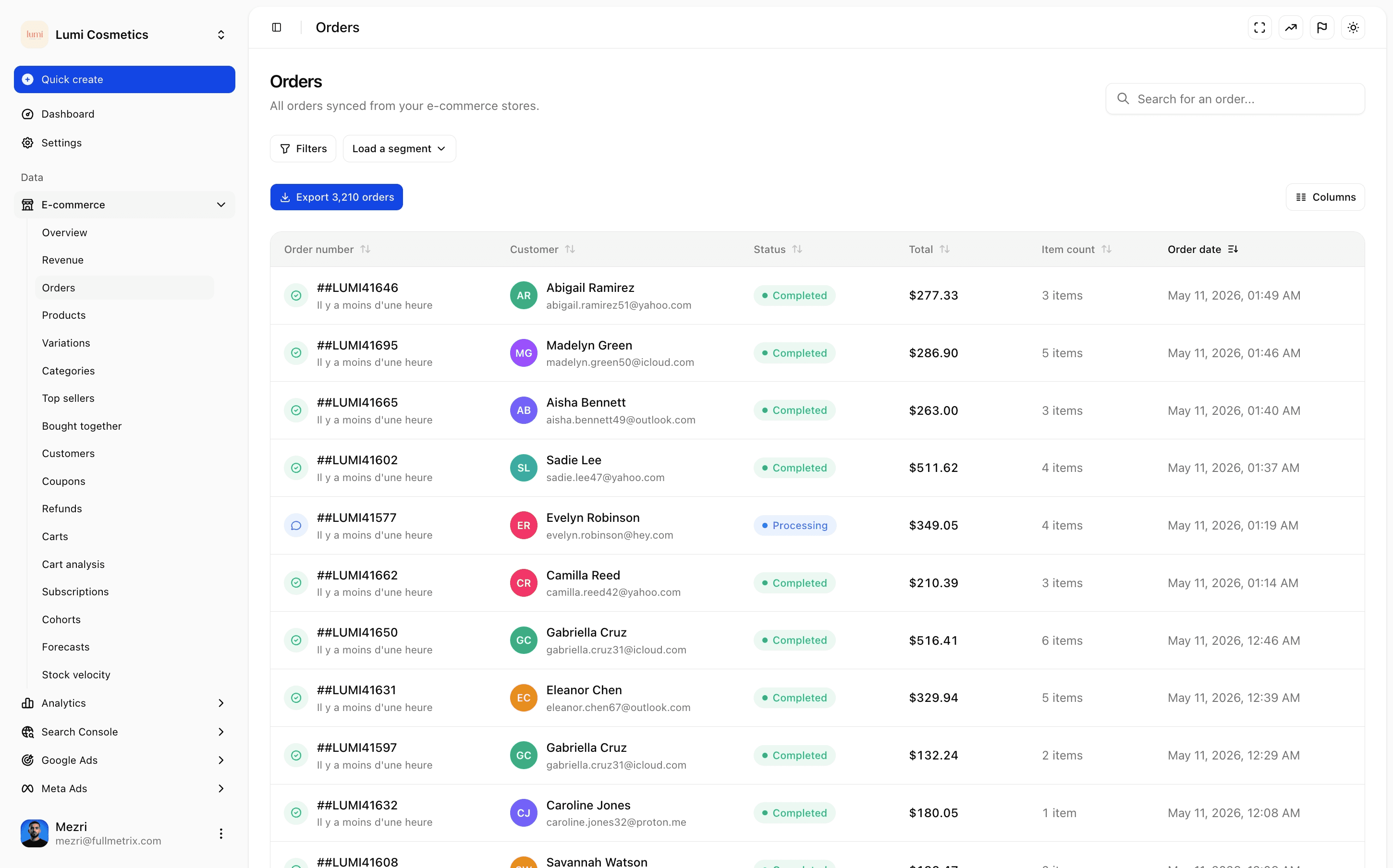
- Scheduled exports for orders, customers, products and segments.
- Usable columns to rebuild revenue, refunds and statuses.
- PrestaShop history available without repeated manual extracts.
Avoid the dataset that answers only one question.
Data teams often search Power BI to centralize reporting. The real topic is the model: net revenue, margin, cohorts, repeat purchase, ROAS, abandoned cart and stock need one shared language.
- Ecommerce data connected to campaigns and costs.
- Reusable customer segments instead of isolated filters.
- Store-level reading for agencies and multi-country groups.
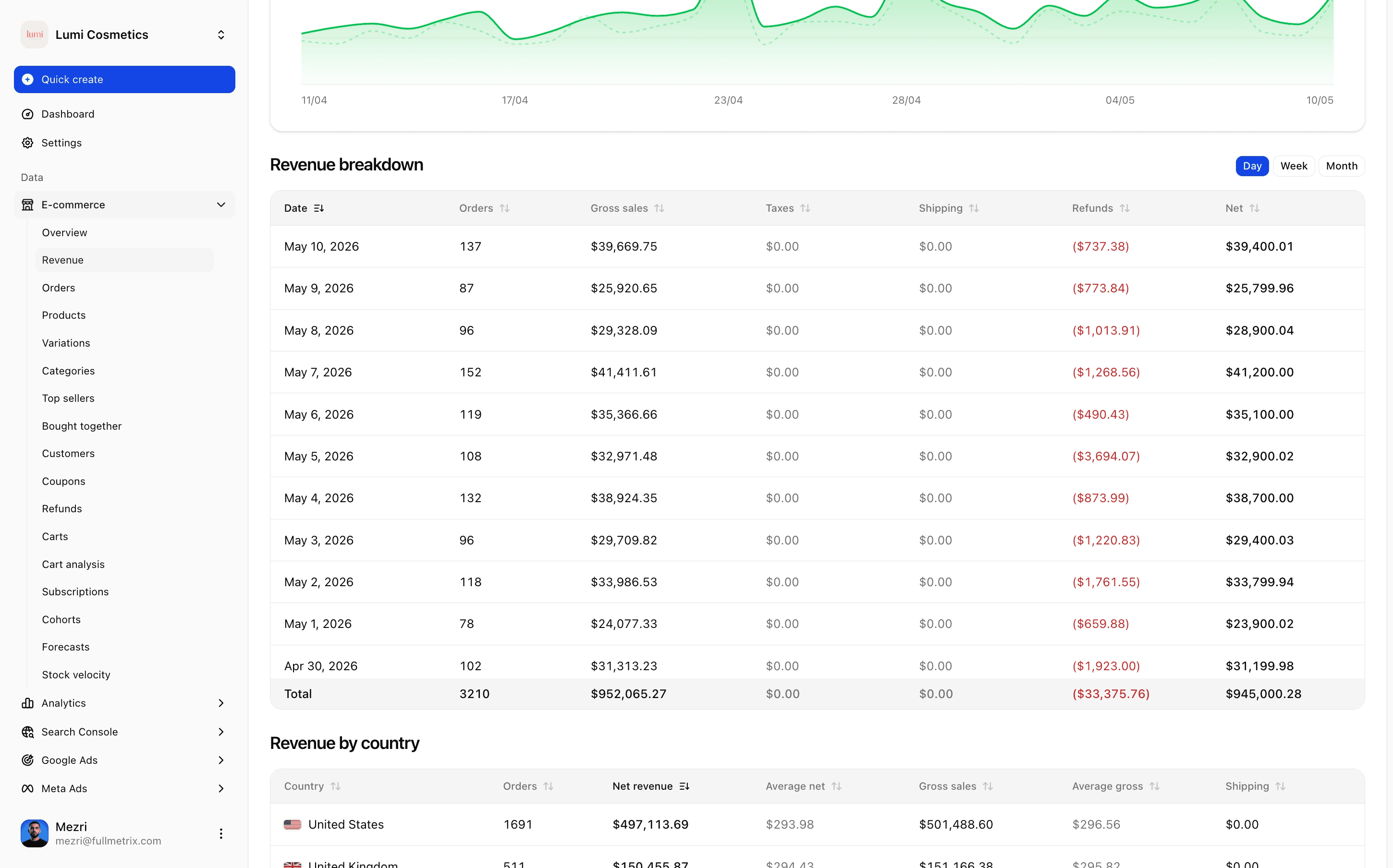
When Power BI is too heavy for daily management.
If the goal is to read sales, margin, products, ads and retention every morning, Fullmetrix avoids maintaining a fragile Power BI report. Exports remain available for finance or ad hoc analysis.
- PrestaShop ecommerce dashboards already built.
- Digests and client reports without manual refresh.
- Less maintenance for traffic managers and agencies.
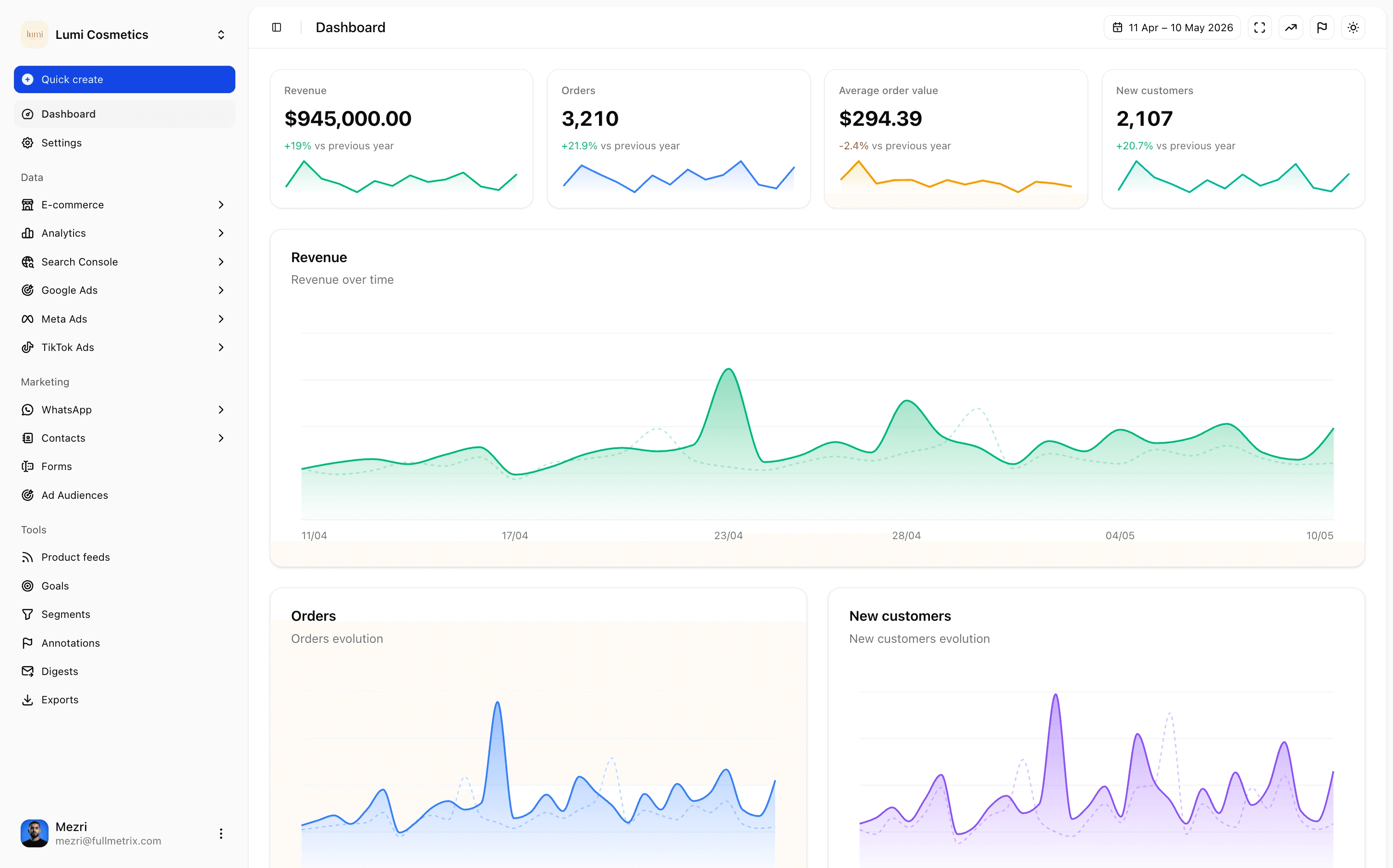
Connect Power BI with other PrestaShop BI intents.
This page bridges Google Sheets, Looker Studio, BigQuery and PrestaShop order API searches. It captures broad BI intent without pretending the product is a generic connector first.
- Links to exports and order API use cases.
- Links to PrestaShop reporting and analytics.
- Clear positioning: clean data or native alternative.
Reporting and analytics built for WooCommerce, PrestaShop and Shopify.
Each module is designed for e-commerce operators who run multiple stores and need clear answers, not raw exports. Browse the suite to see how every feature plugs into your stack.
Reporting per platform
One plan, every feature included
Pricing scales with your order volume. Starting at 25€/mo.
Your orders per month: 0 - 99
- Complete P&L dashboard
- Revenue, margins & net profits
- Per-product profitability
- 5 centralized cost types
- Meta, Google & TikTok Ads reporting
- Google Analytics 4 & Search Console
- Google Merchant Center
- RFM segmentation & cohort analysis
- Audience sync to Meta, Google & TikTok Ads
- WhatsApp automations
7-day free trial. No commitment.
Frequently asked questions
Clarify your Power BI workflow.
Connect PrestaShop, keep useful exports and avoid rebuilding the same ecommerce KPIs by hand.


7 days free.